Remove a Folder from Your Document Library
Folders are an excellent way to organize your signed packages for easy reference.
Sometimes you may need to delete a folder, but before you do so, remember that all of the signed packages in that folder will be permanently deleted after making this change.
** check to see if this is true **
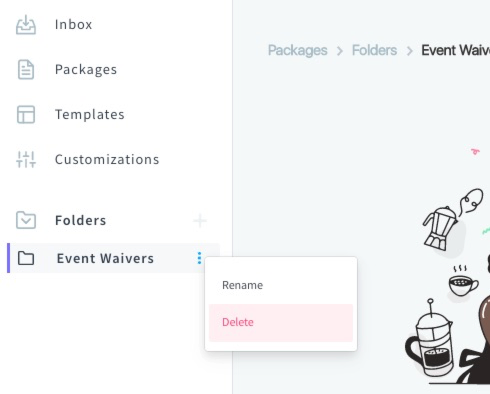
To delete a folder, visit your signerX dashboard > Folders, hover over your folder, select the Elipsis > Delete.
** change to a gif **