Reset the Password on Your SignerX.com Account
From time to time, you may need to change the password for your signerX.com account.
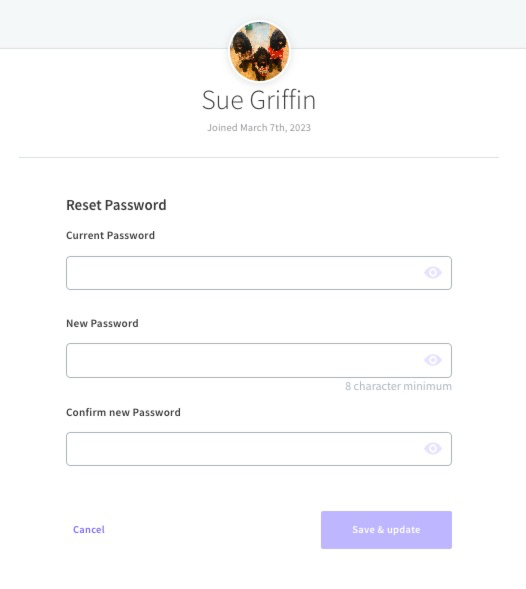
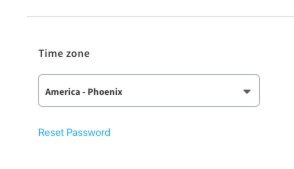
To change your password, visit your signerX dashboard , select your profile image on the top right > View Profile > Reset Password.
** update these screenshots or change to a gif **
Type in your current password to confirm it > add your new password > confirm your new password > Save & update.