Add a Personal Message to Your Recipient Emails
Adding a customized message to your recipient emails is a great way to personalize your packages and include additional instructions or information for your recipients.
How to add a personal message
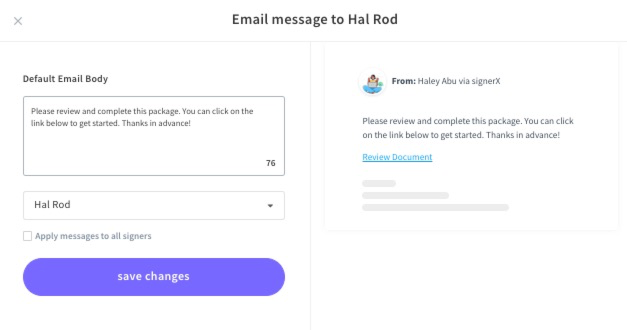
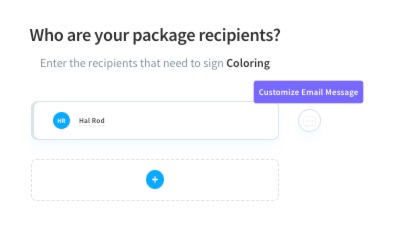
Visit the Add Recipient screen, select the conversation bubble, and add your desired text.
** change these screenshots to one gif **
You can add customized messages for each recipient or check the box to apply all your message to all signers.