
Automatic Signer Reminder Emails
Automatic signing reminder emails make it easy for you to remind your recipients to sign their pending documents.
1. To add signing reminders to your document, select Options on the package recipient screen (after Uploading your Document or using the Doc Builder).
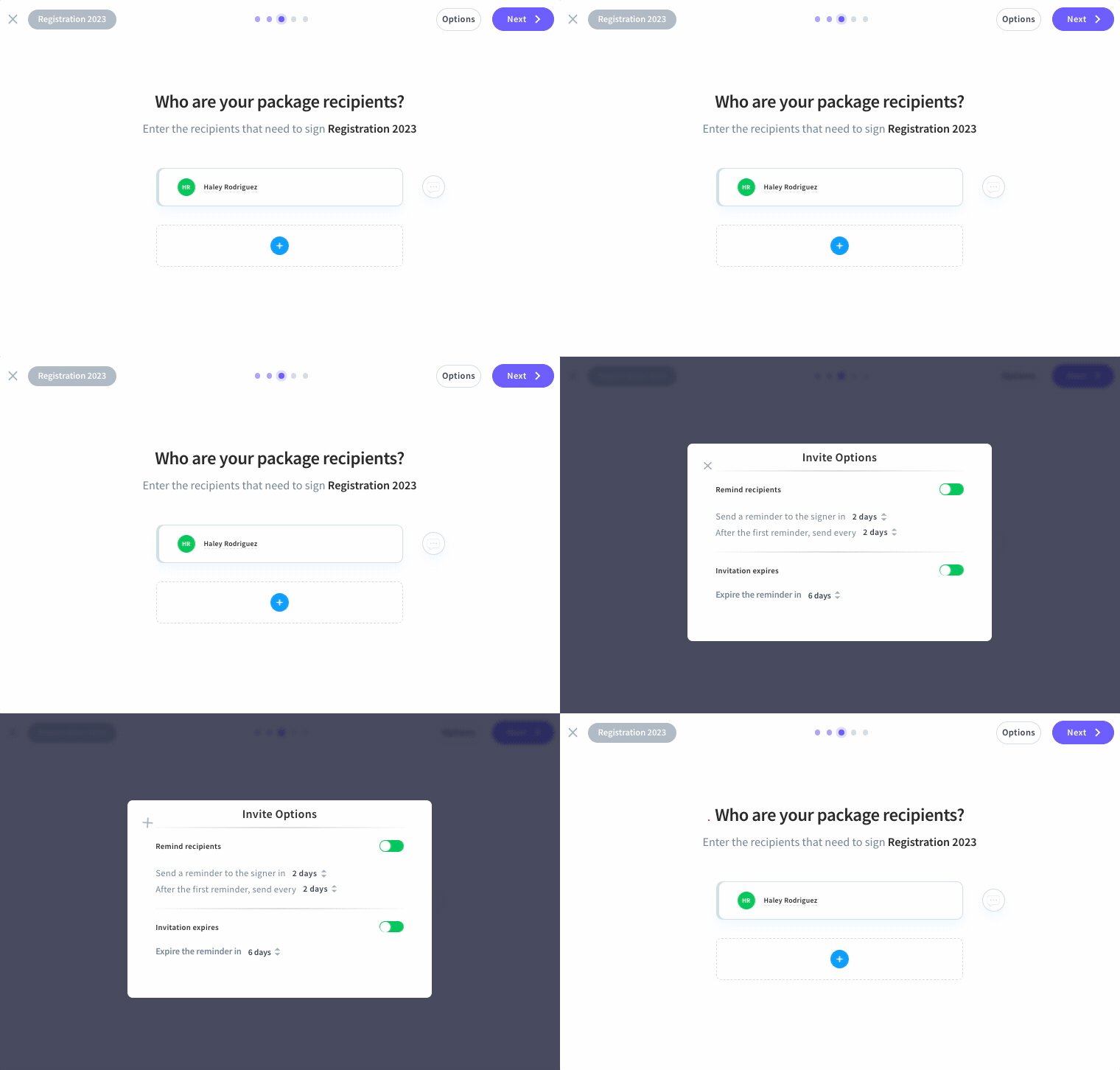
2. Enable the reminders > Define the reminder intervals.
3. Enable the invitation expiry > Define the expiry intervals.
You can review, edit, and disable your reminder settings on the Package Summary screen in the Invite Options section.
